/eh/2025-01-08/173633966714069467/picture.png)

/eh/2024-12-24/173503345348979036/Favorite-Icon.png)
/eh/2025-07-08/1751962110204480194/picture.png)
/eh/2025-06-21/1750485478958537574/countryInfoIcon.png)
/eh/2025-06-21/1750485741321434291/Hi-Sign-in-My-Nihao.png)
/eh/2025-06-21/1750485837193896318/cart.png)
/eh/2025-06-21/1750485968202533847/cart.png)
/eh/2025-04-17/1744862476612819675/hot-img.png)
/eh/2025-11-07/1762504524550532584/header-icon.jpg)
/eh/2025-07-07/1751875582852206790/header-icon.png)
/eh/2025-07-07/1751875587886277738/header-icon.png)

Best in 7 days


Shopping security
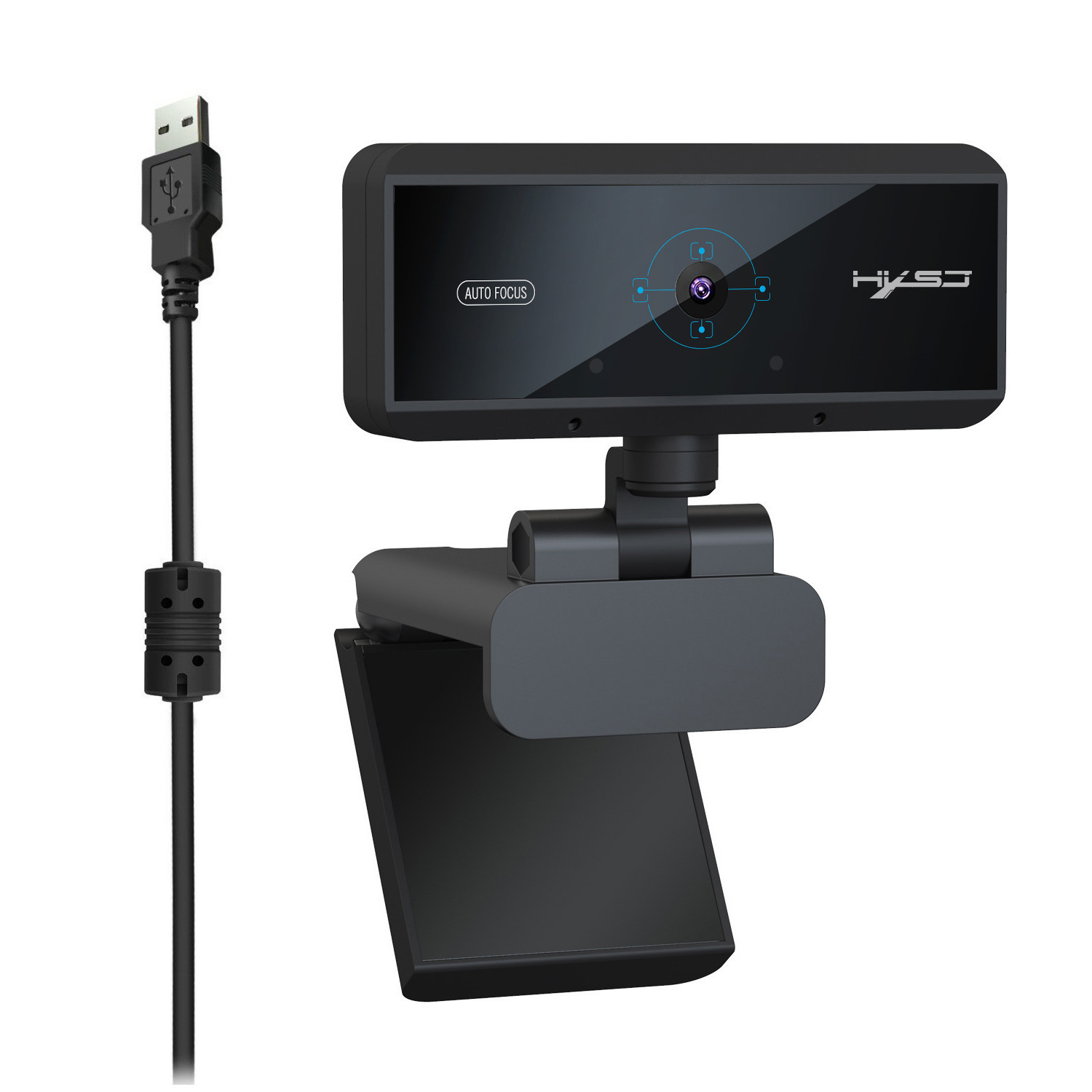
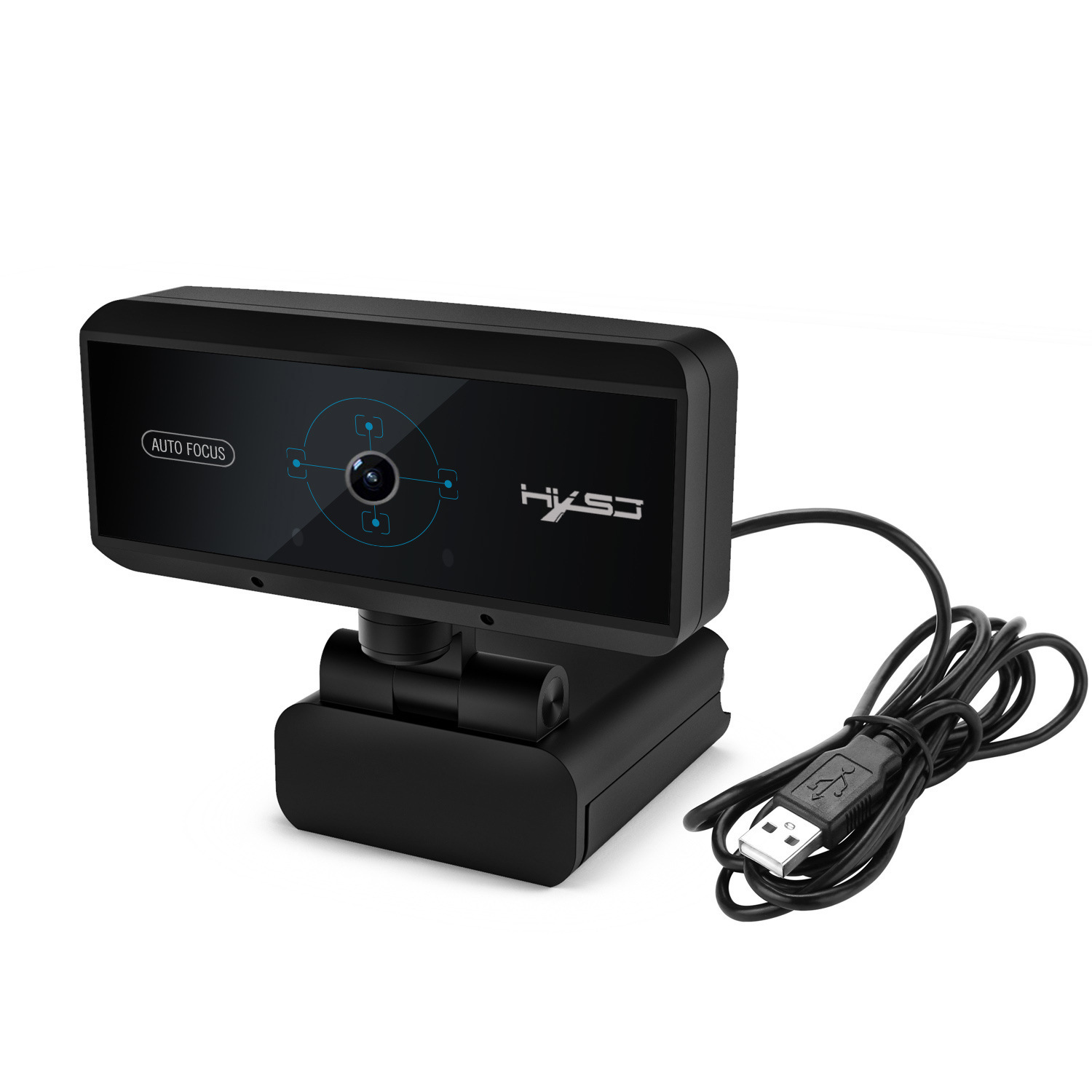
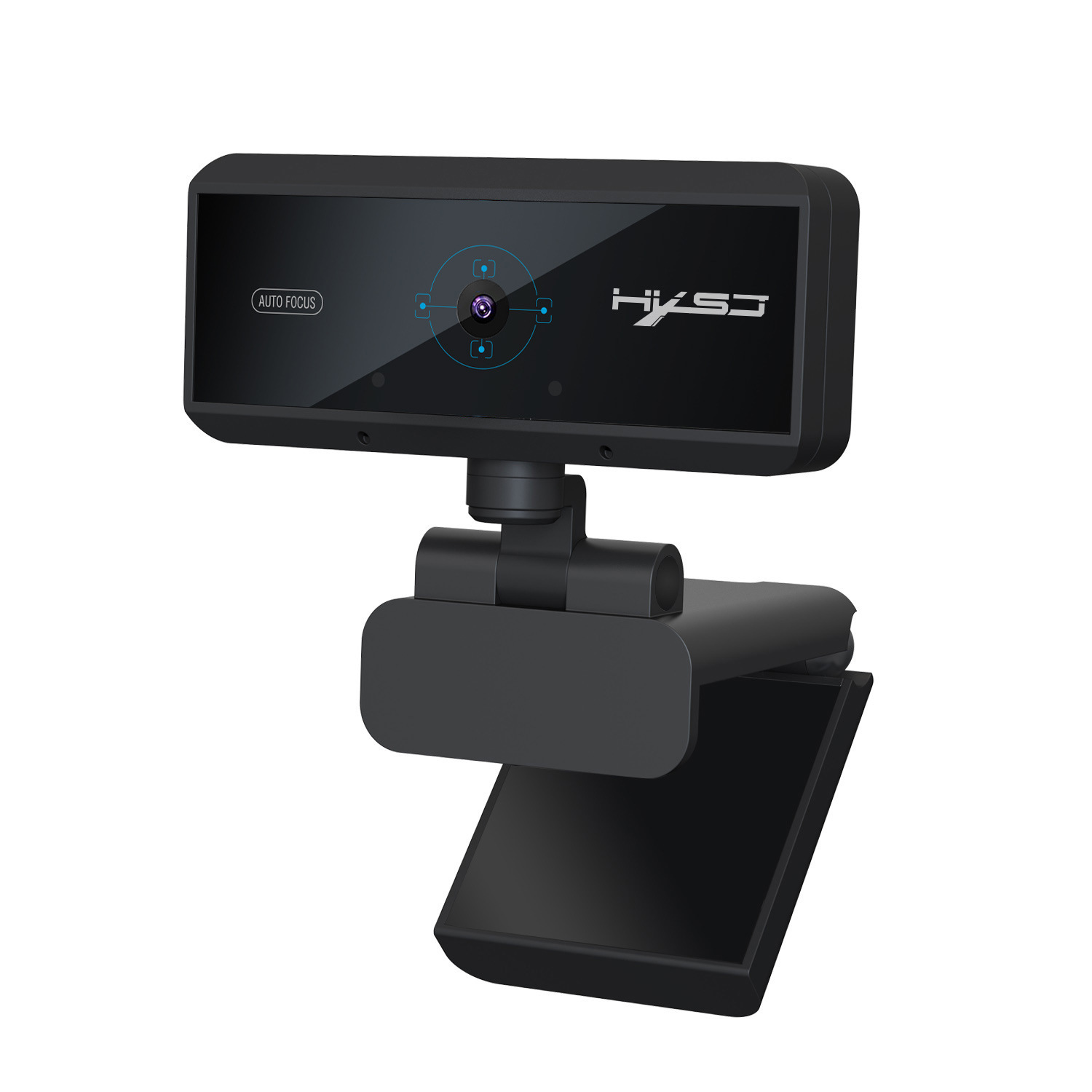
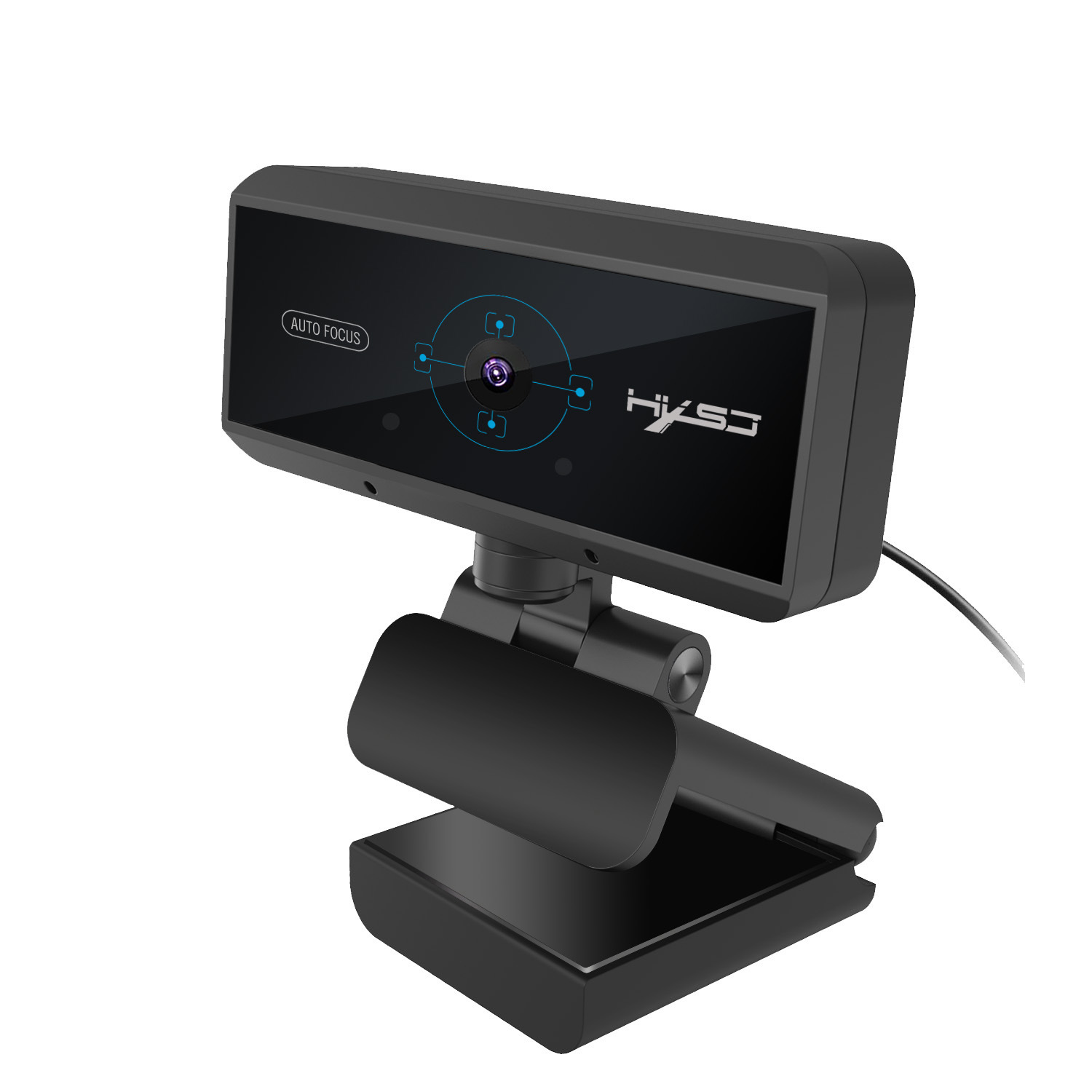
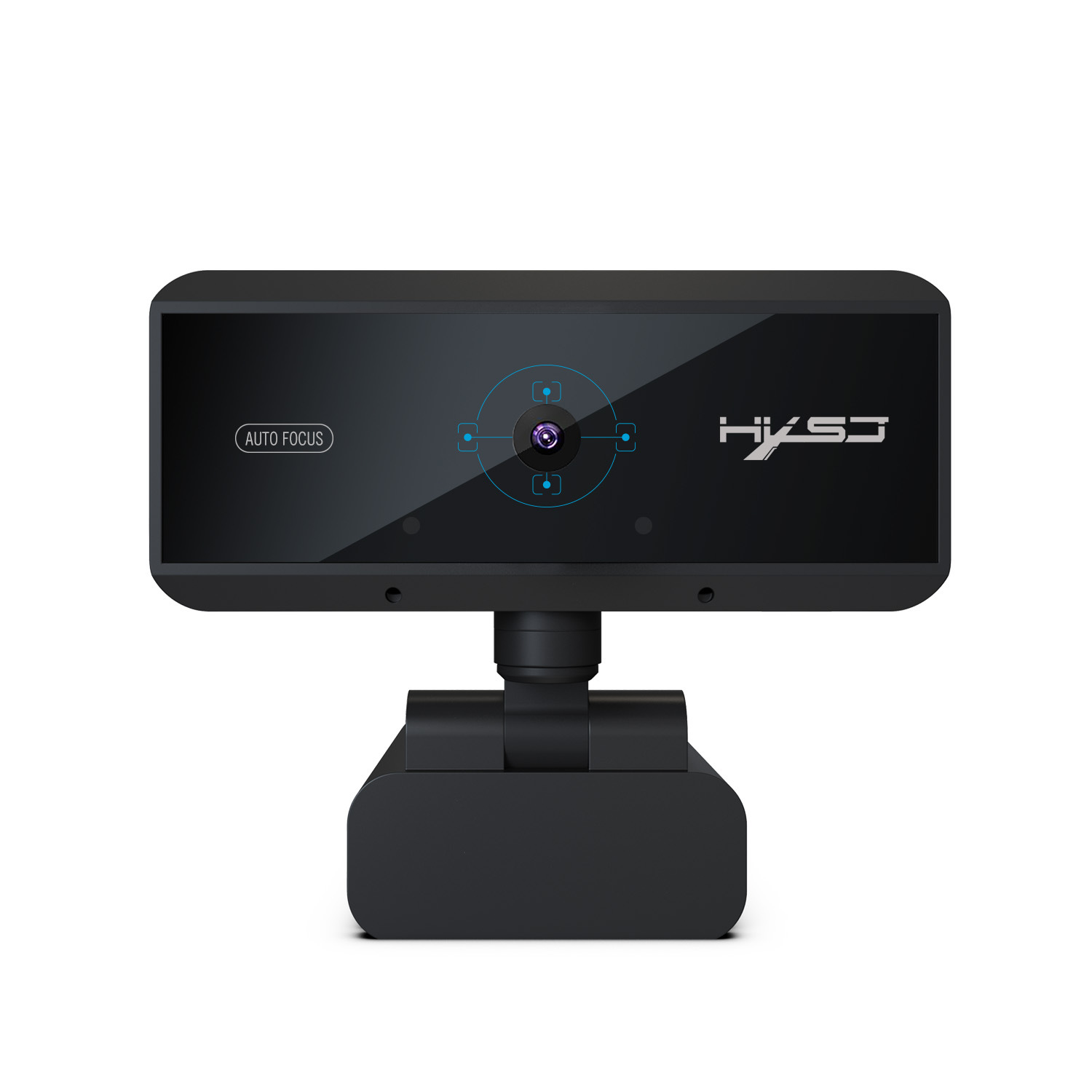
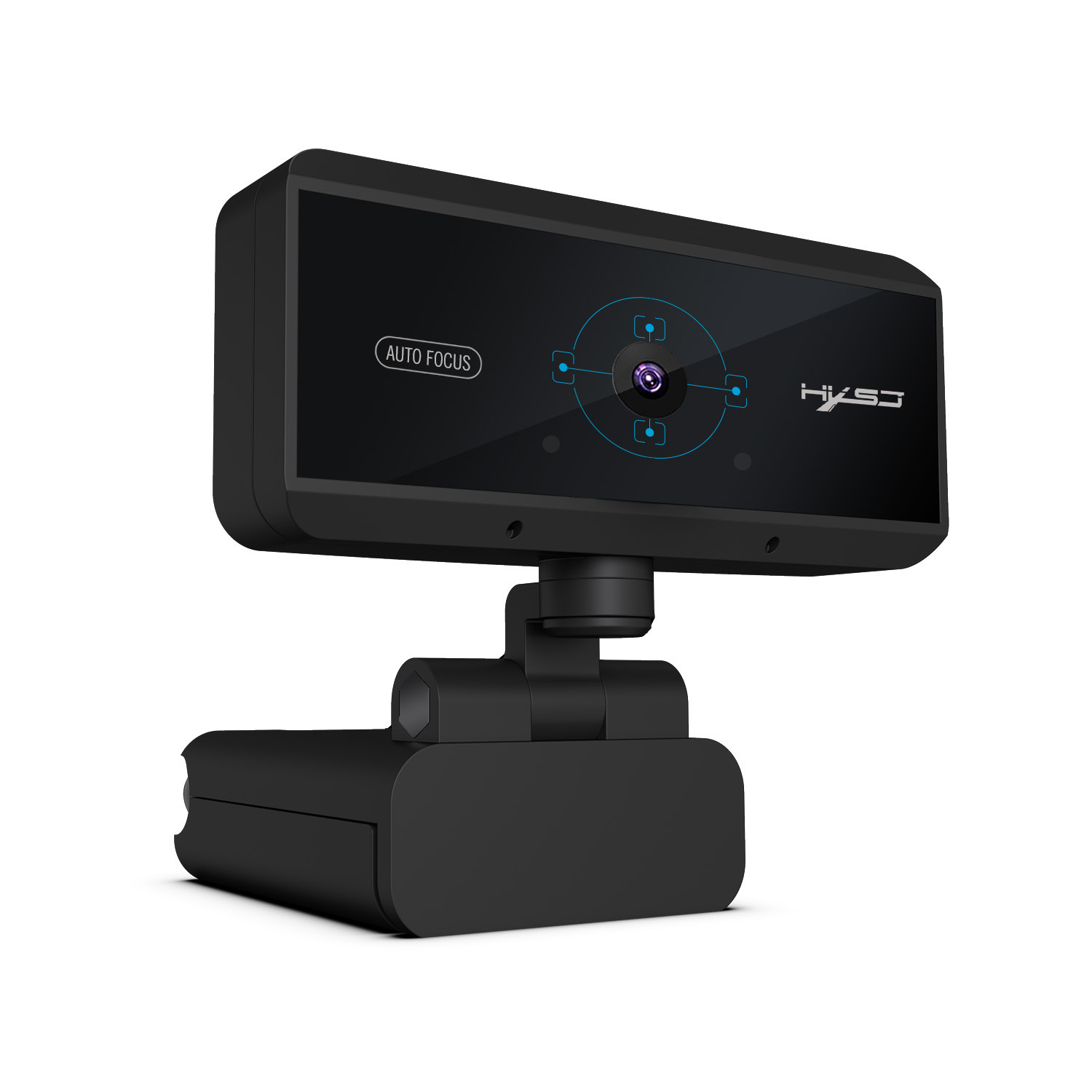
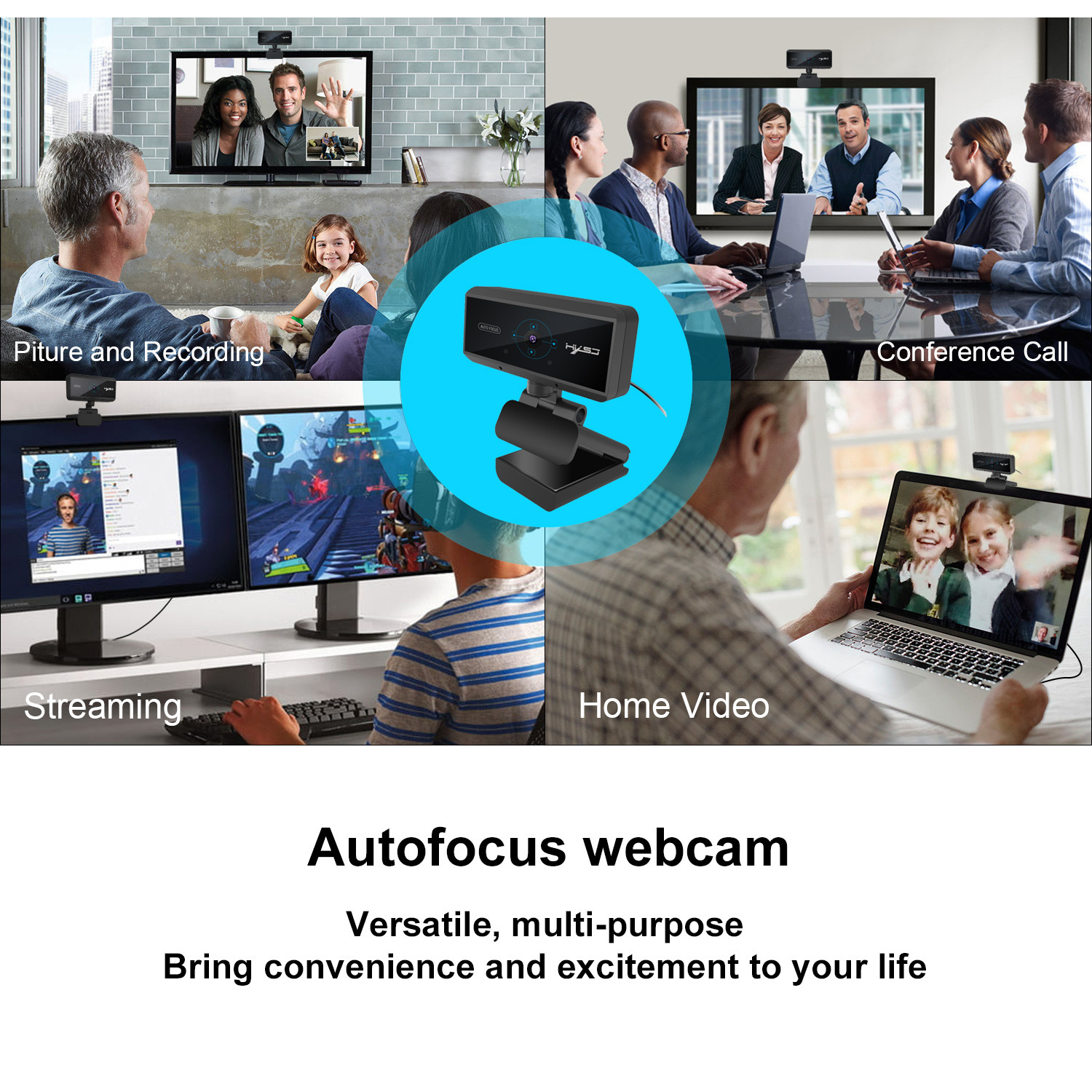
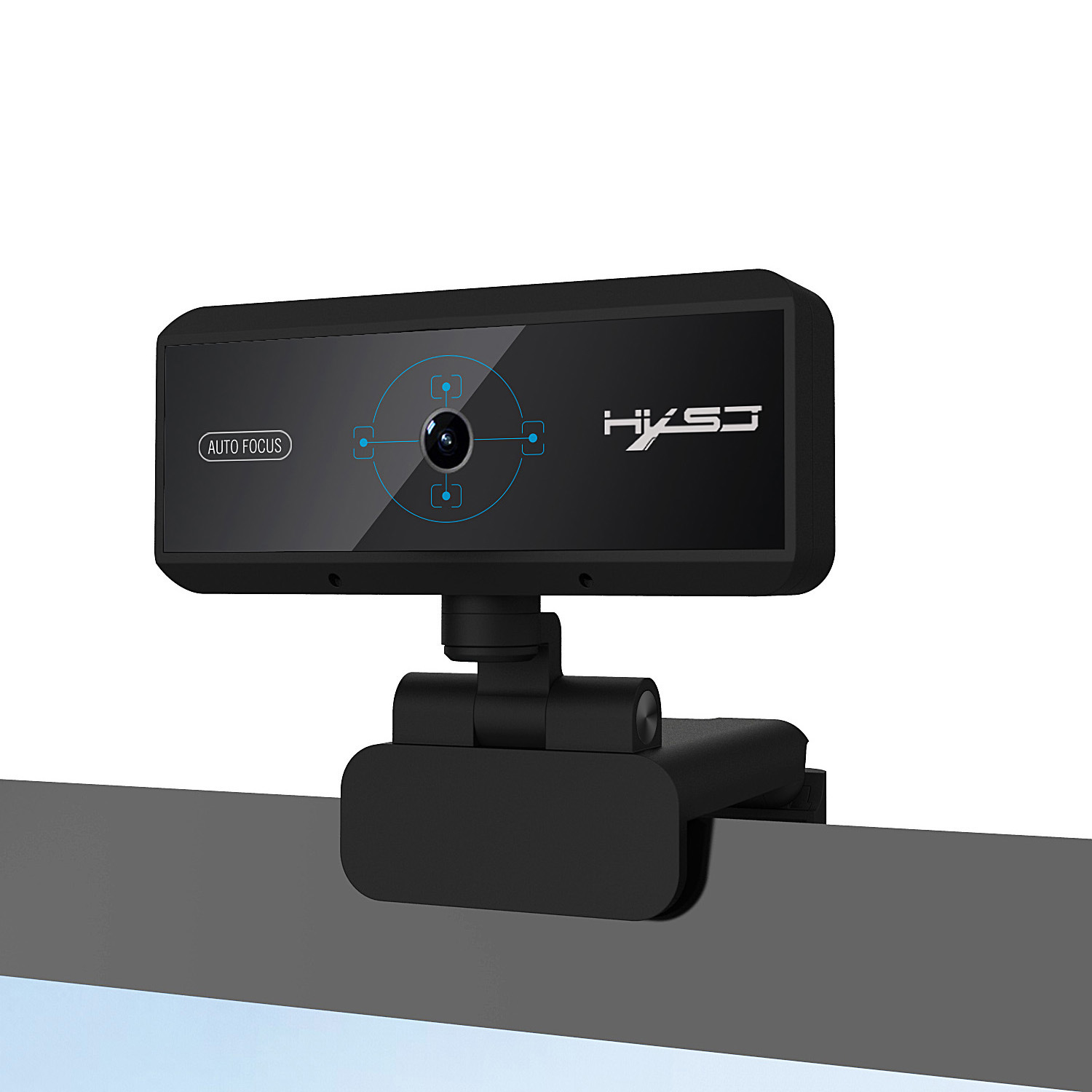
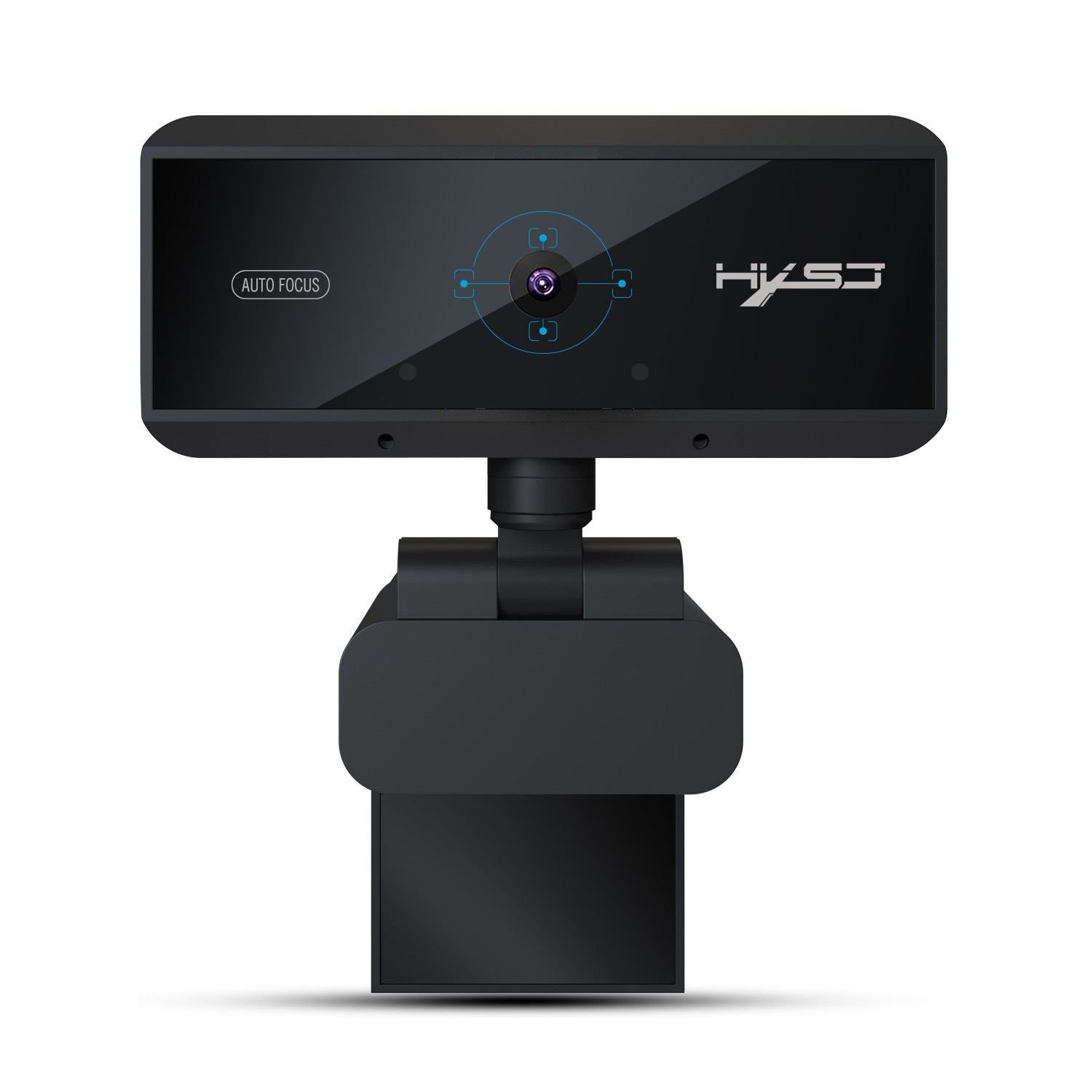
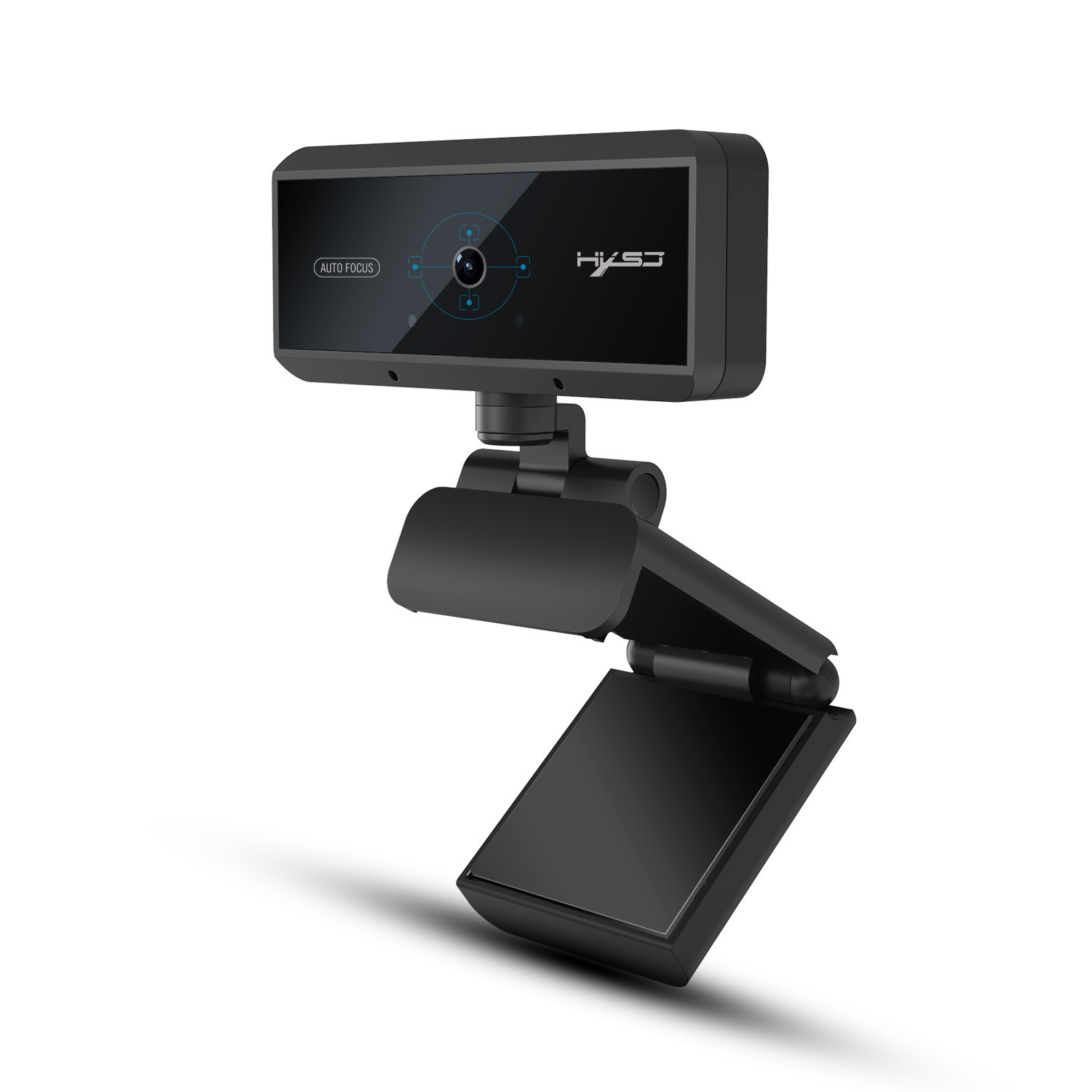
Introducing the HKM-660115 1080P Auto Focus Webcam, designed for those who value high-quality video communication. This webcam boasts an impressive 5 million pixels and delivers stunning 1080P high-definition video, ensuring that every detail is captured with clarity. With its auto focus feature, you can say goodbye to the hassle of manual adjustments; the camera intelligently focuses on subjects to deliver smooth, vibrant images—even in dynamic environments.
The HKM-660115 is equipped with a six-layer glass lens, which is crafted to provide high precision and eliminate any distortion, resulting in crystal-clear visuals. Whether you're in a video conference, social call, or online meeting, this webcam provides a beautiful representation of your surroundings.
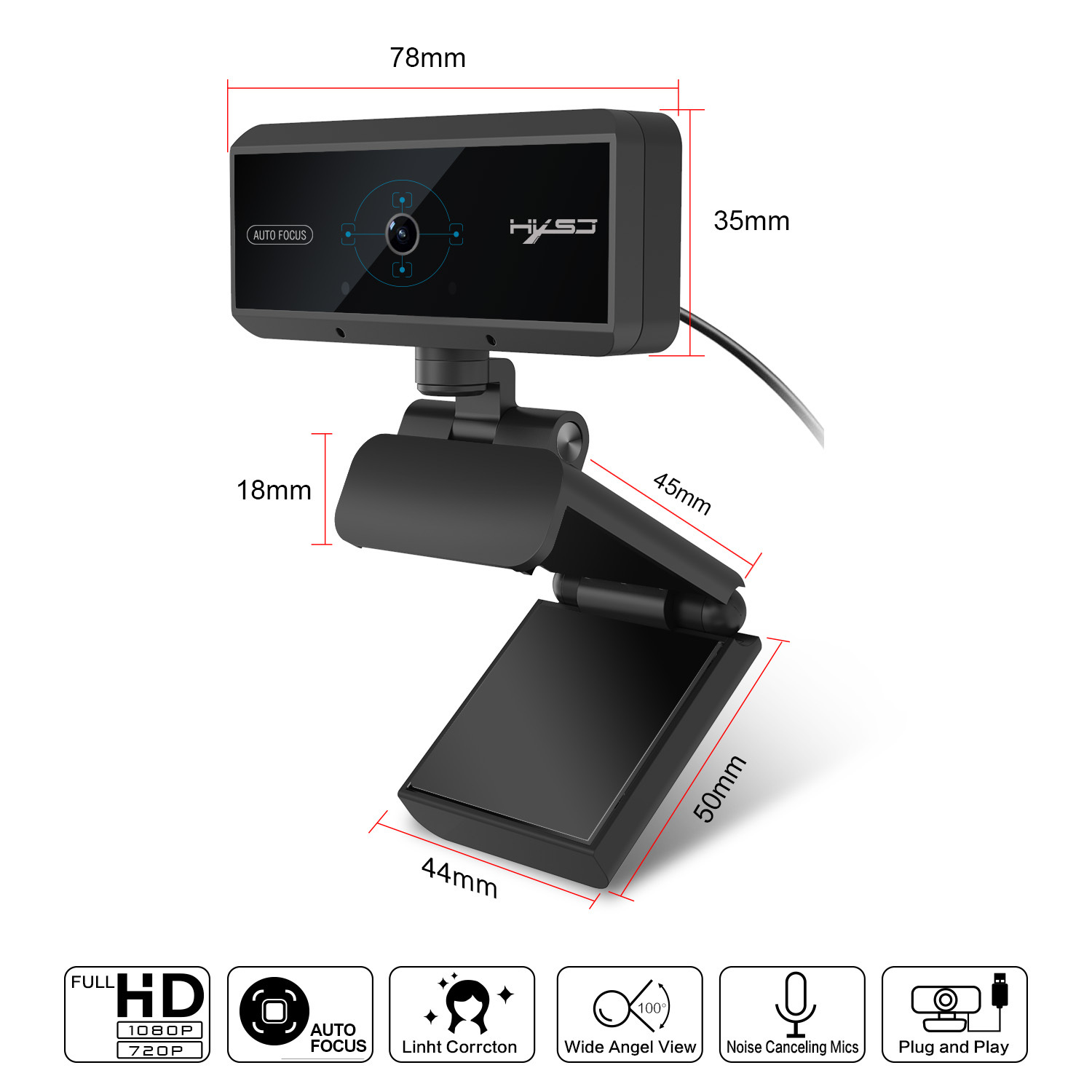
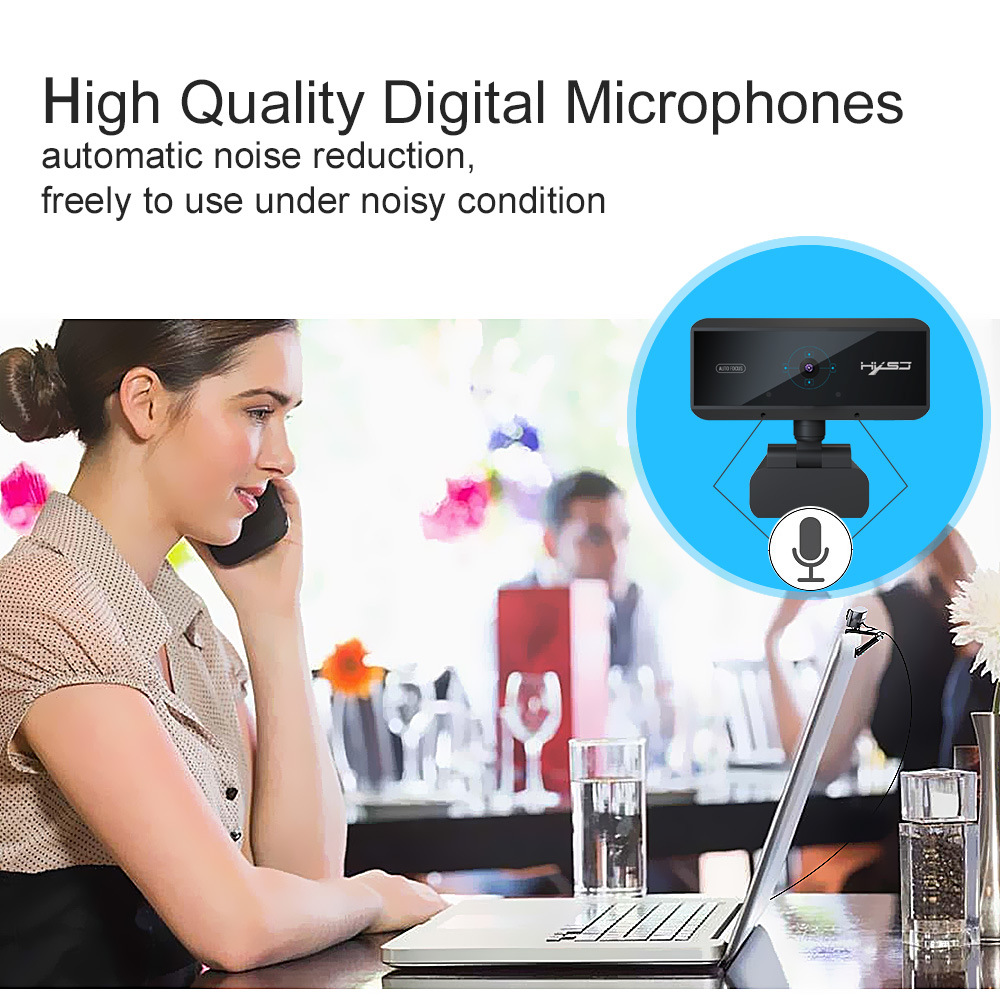
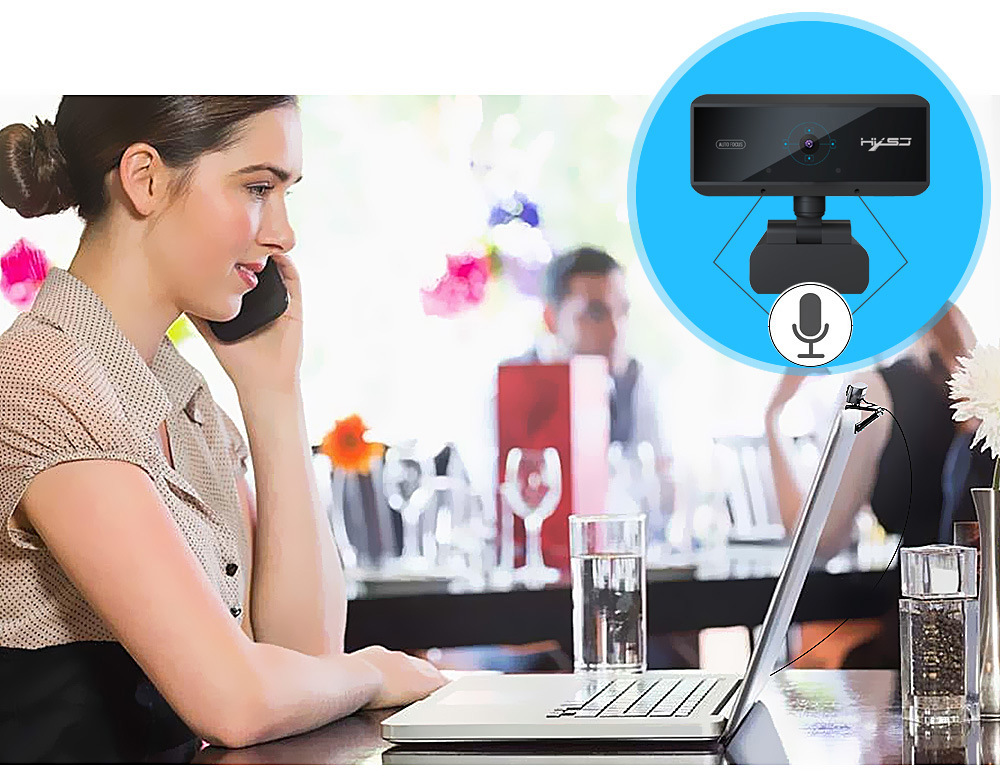
Equipped with a built-in noise-canceling microphone, the HKM-660115 enhances audio clarity, making your voice stand out. This feature is particularly beneficial during important discussions or collaborations, ensuring that communication flows seamlessly.
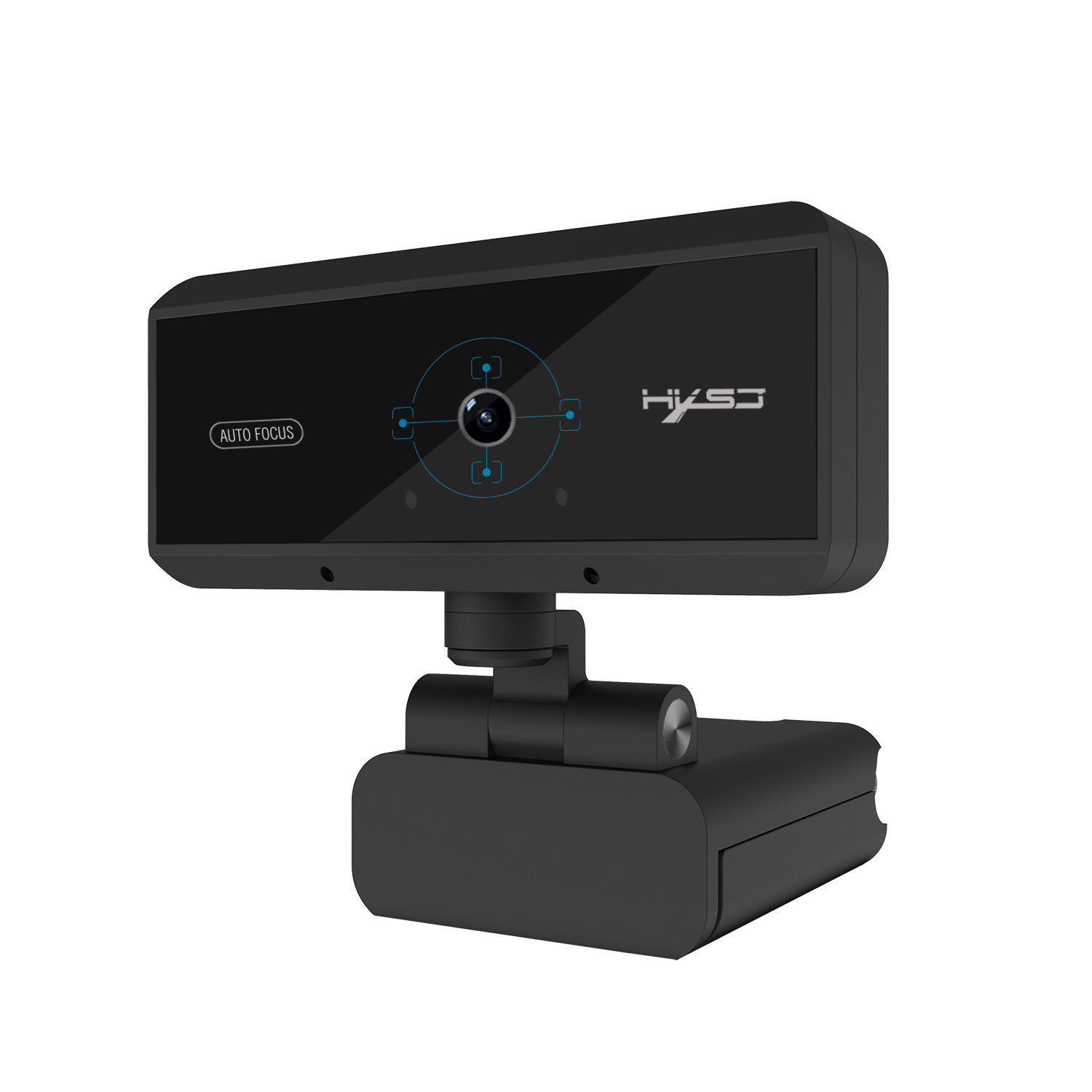
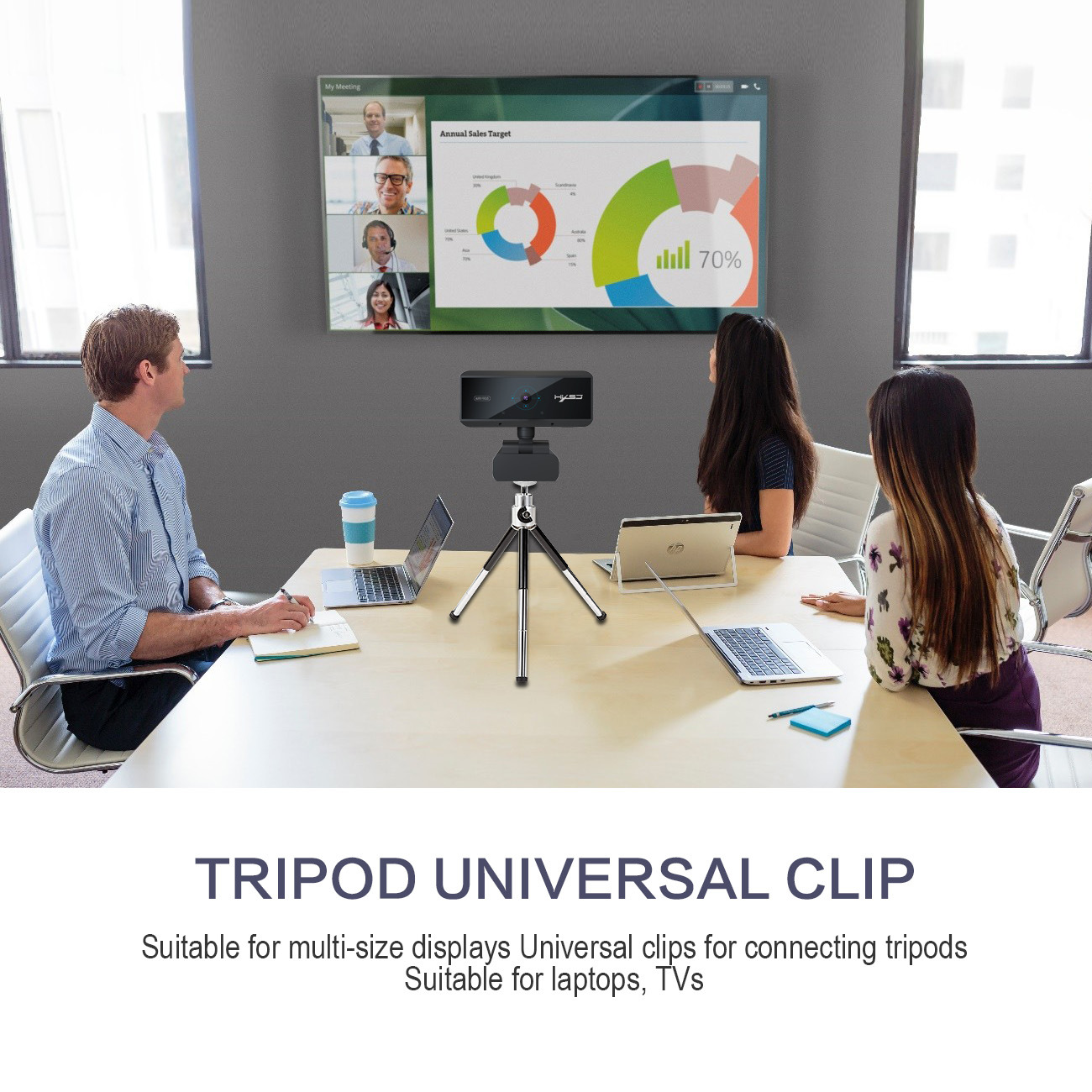
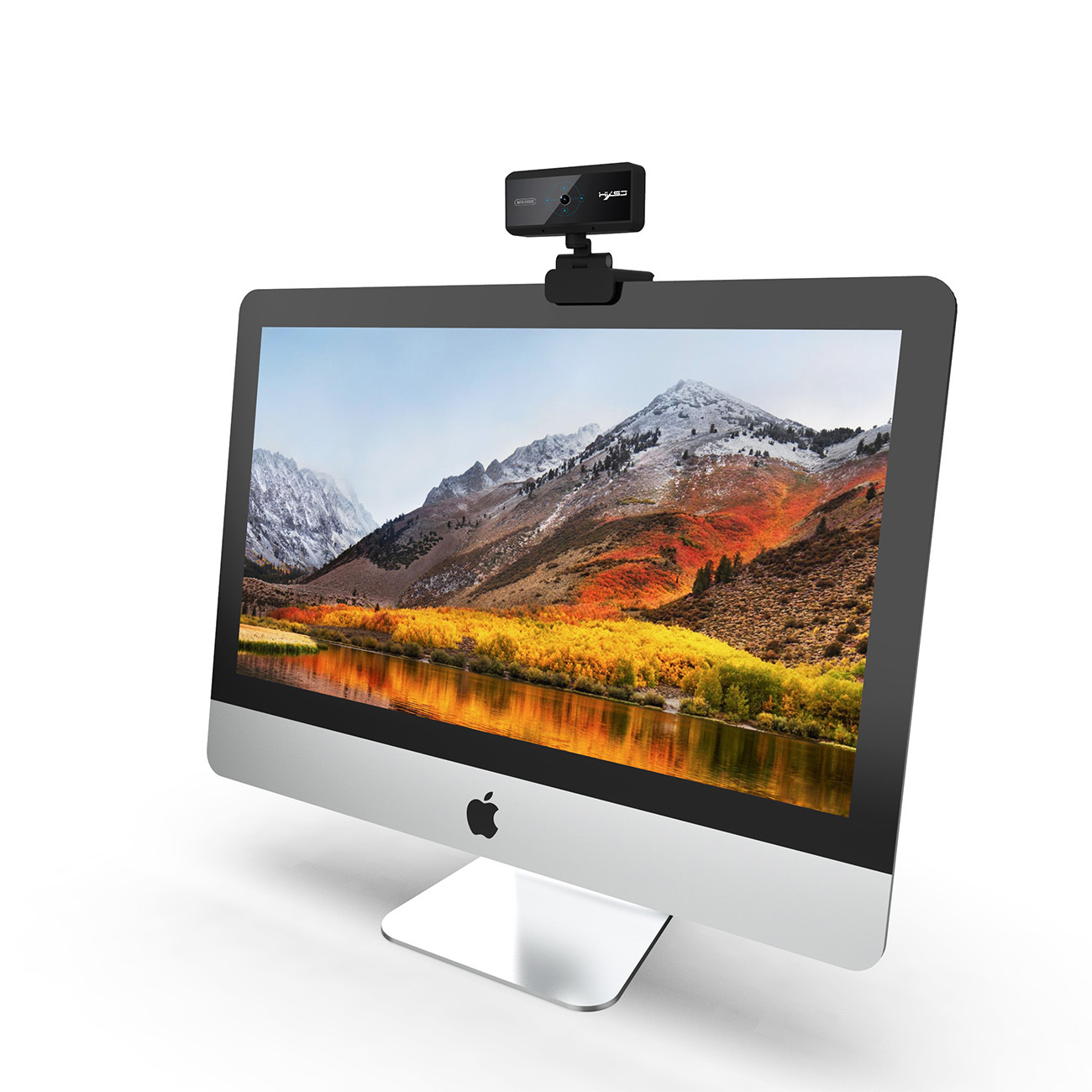
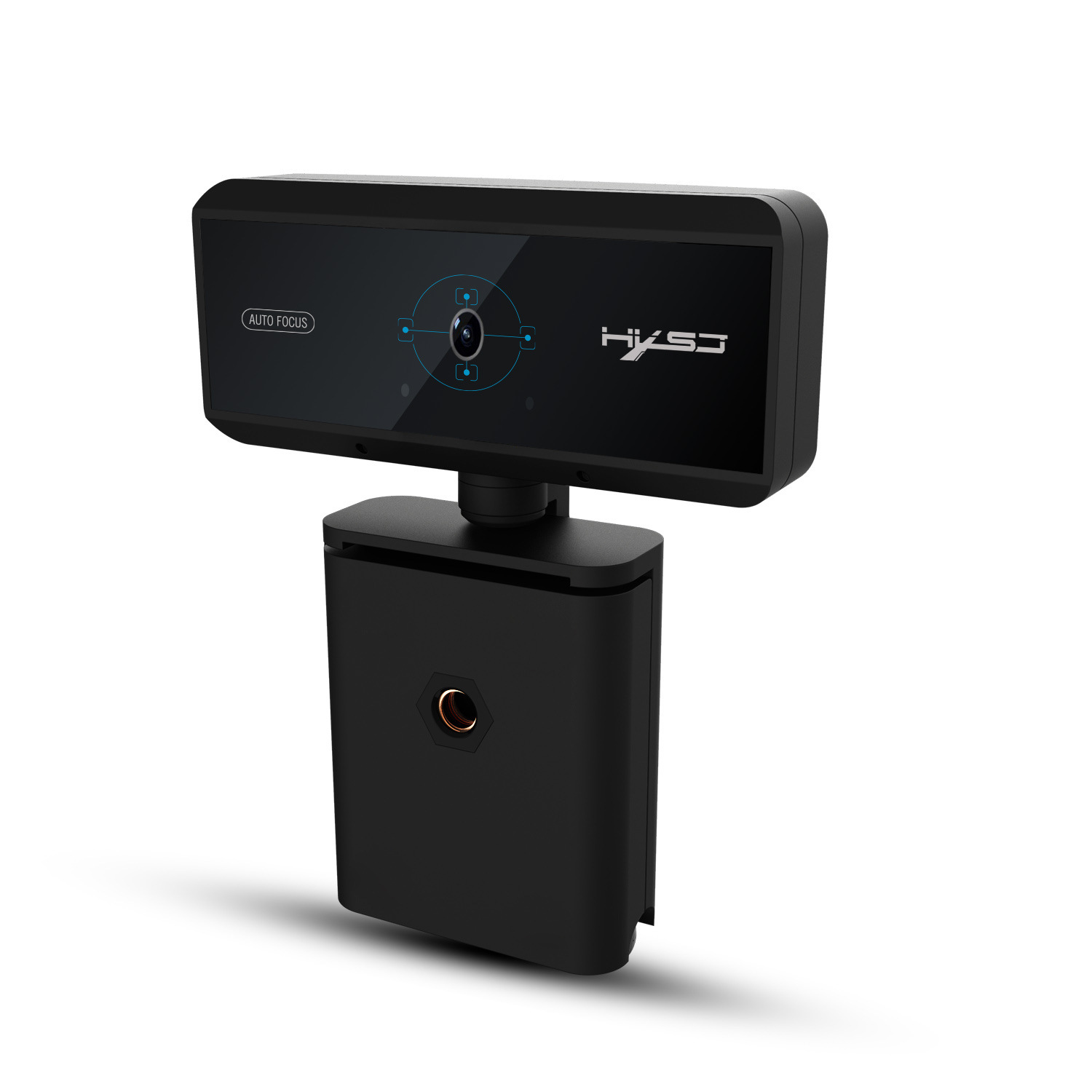
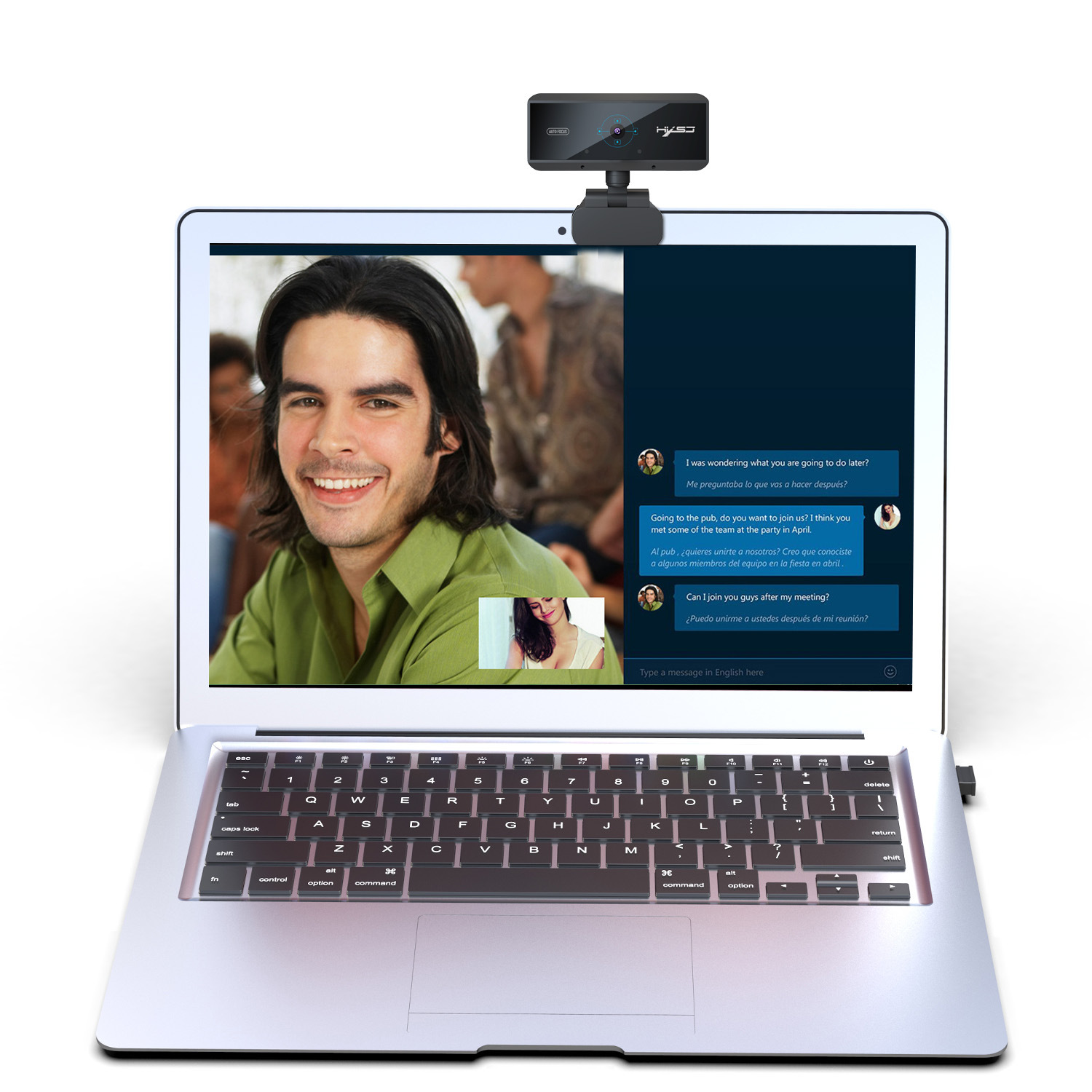
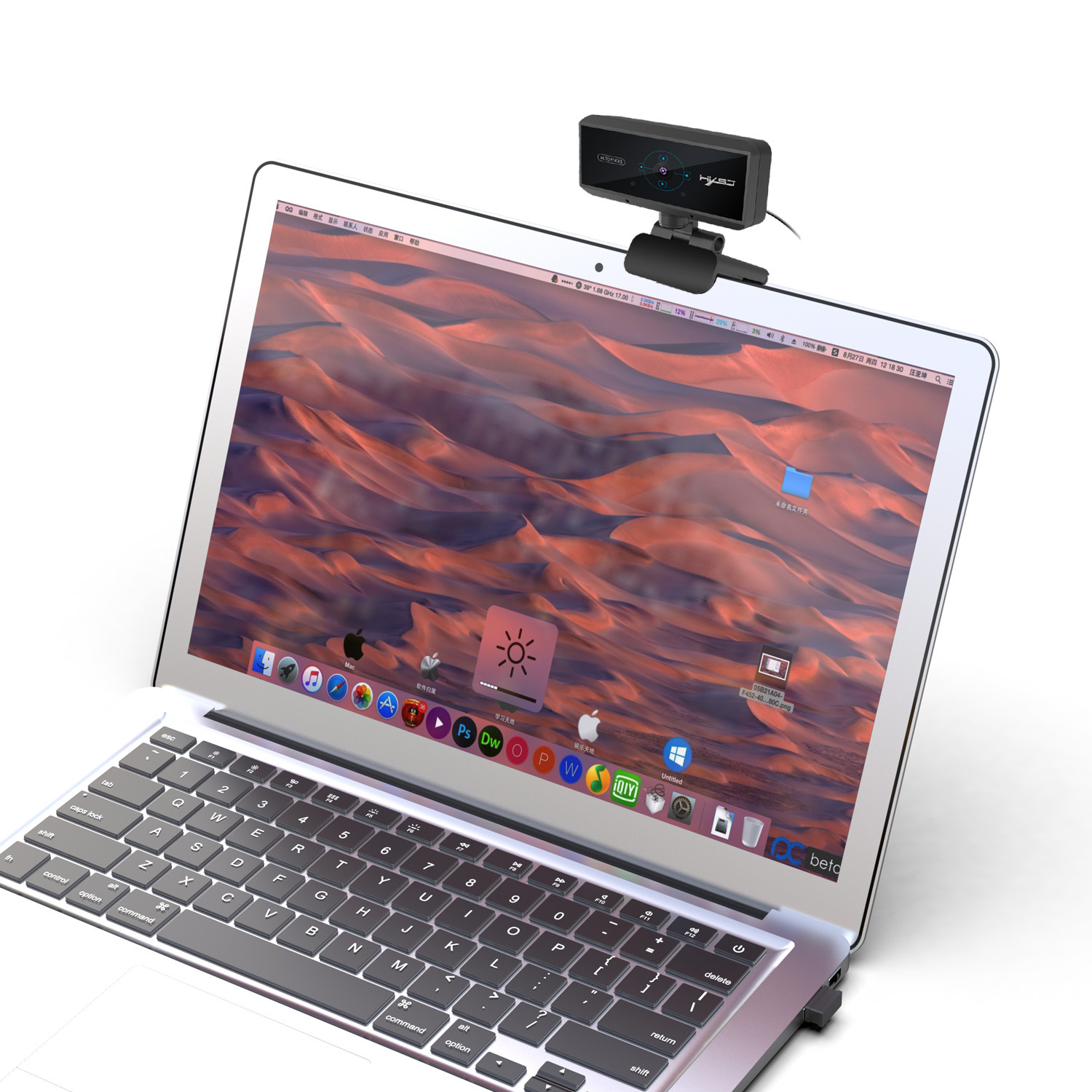
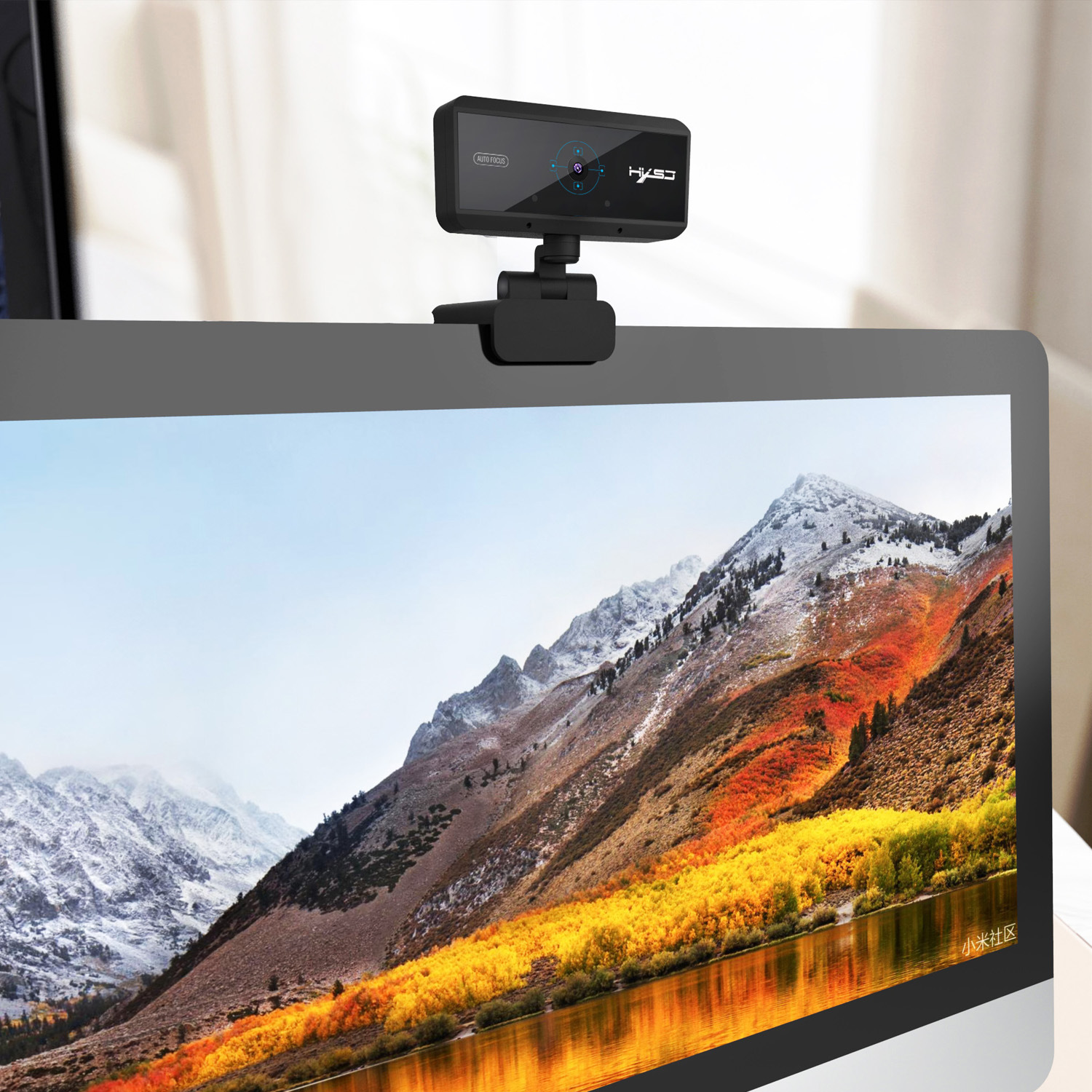
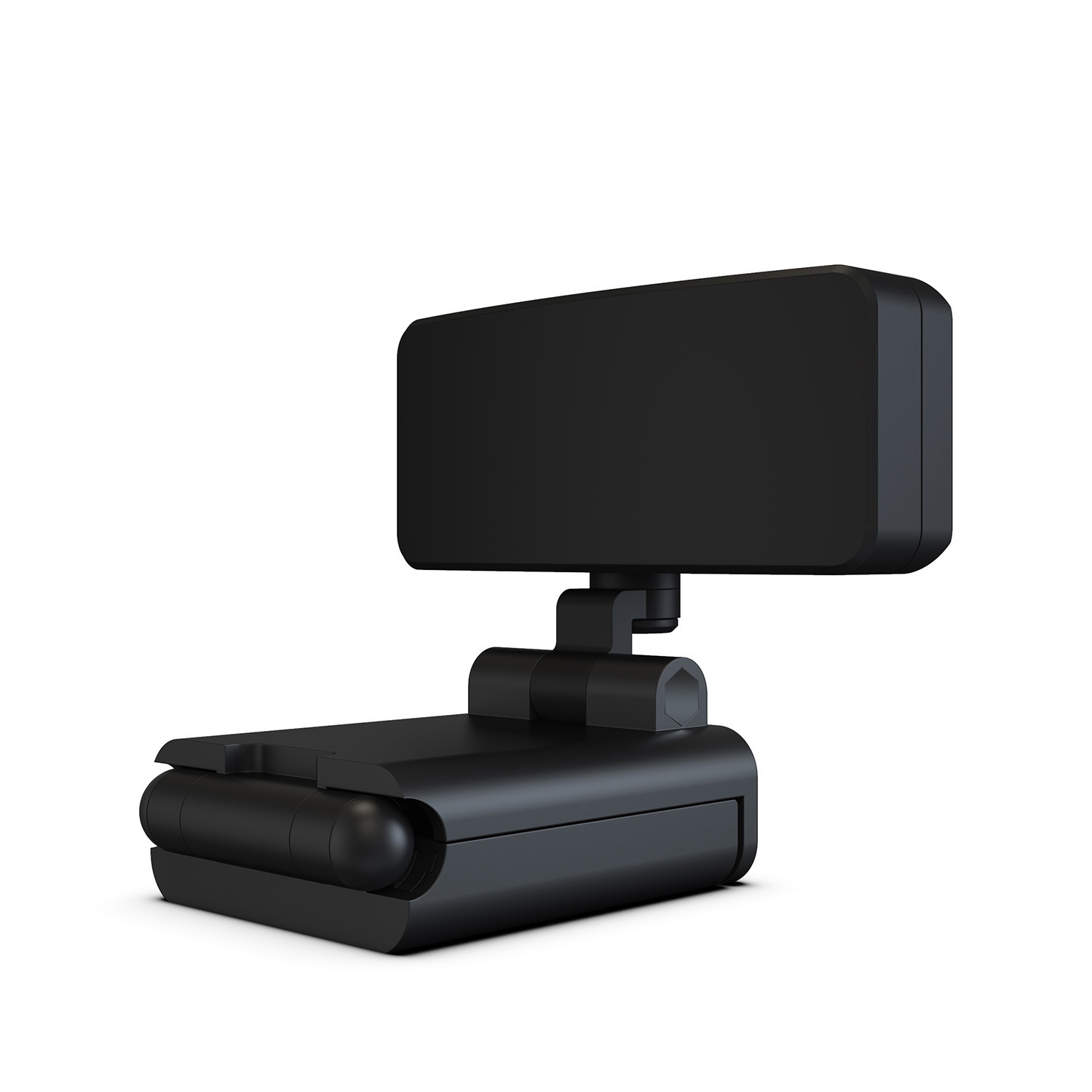
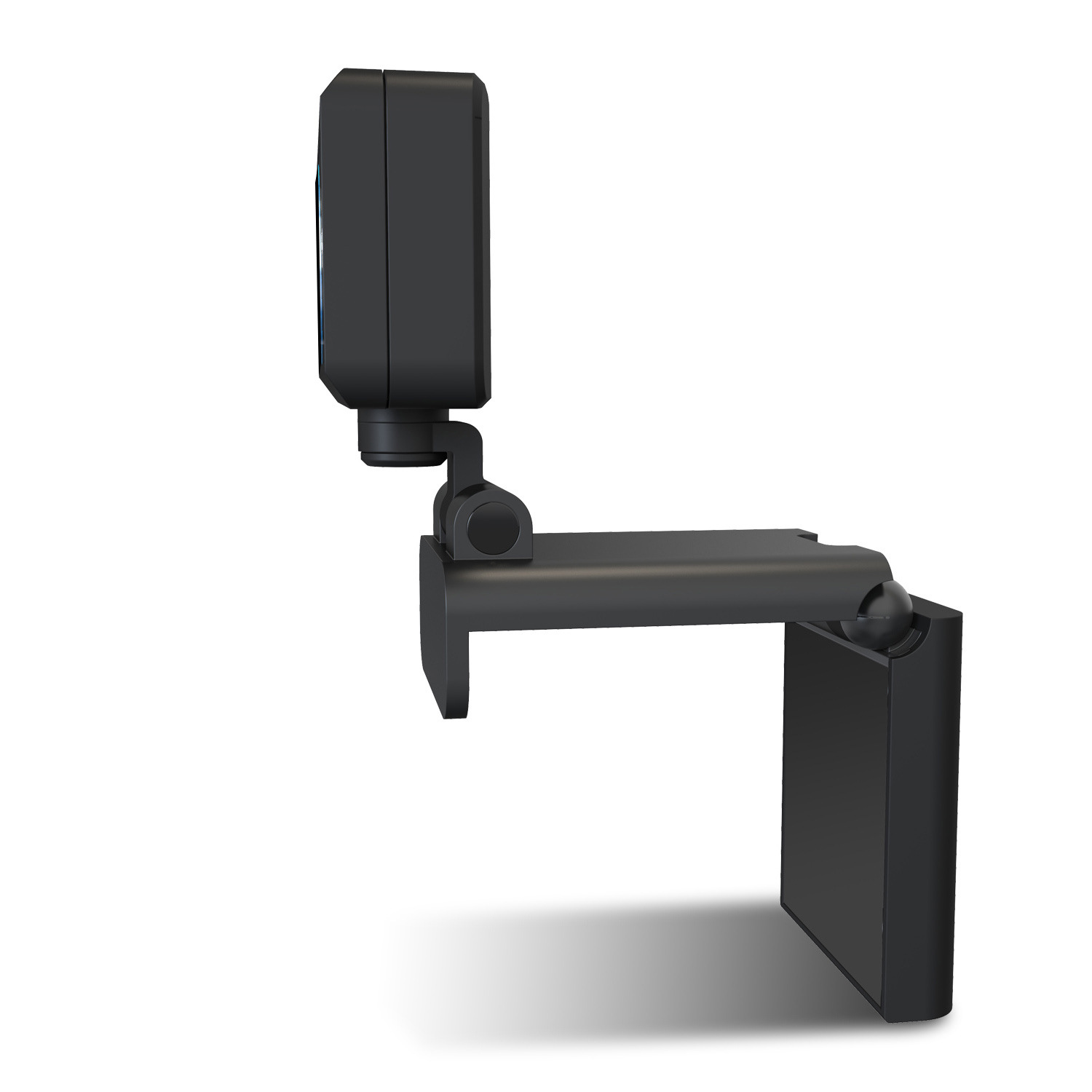
Designed for versatility, the webcam features an adjustable angle with a 180-degree tilt and 360-degree rotation. This flexibility allows for optimal positioning, whether it's set on a desktop or securely clamped onto a display without causing any damage. With a sleek look and sturdy construction, the HKM-660115 fits beautifully into any workspace.
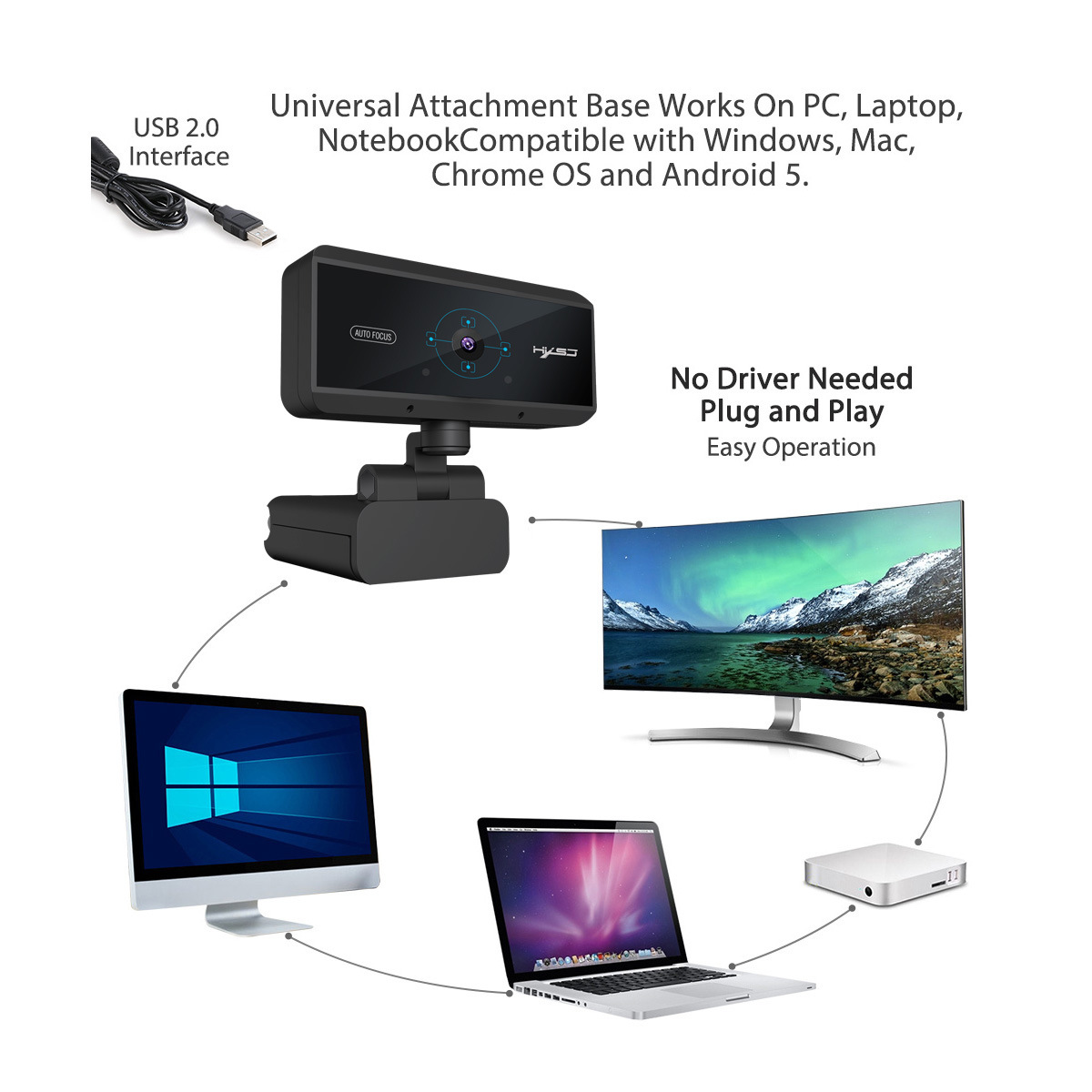
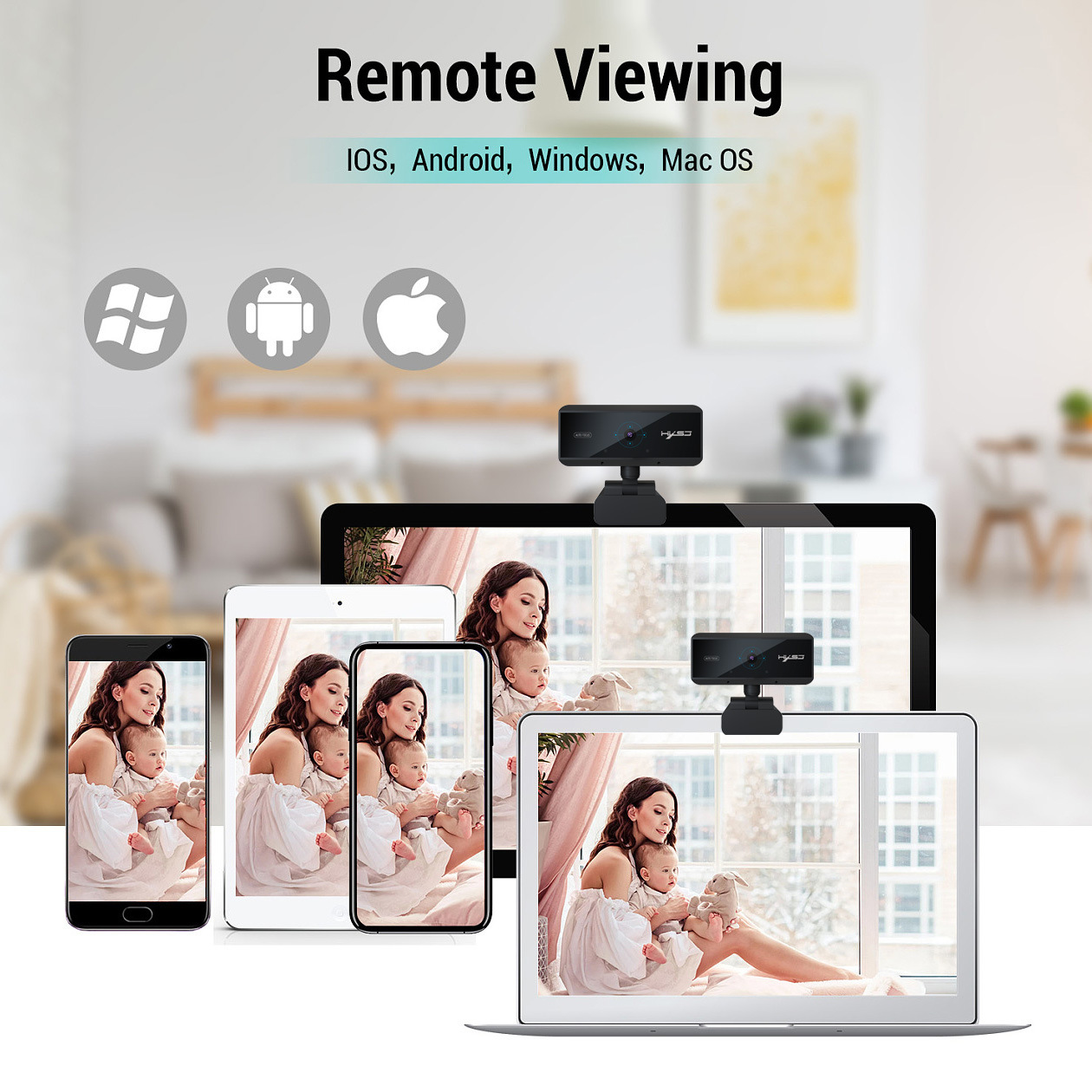
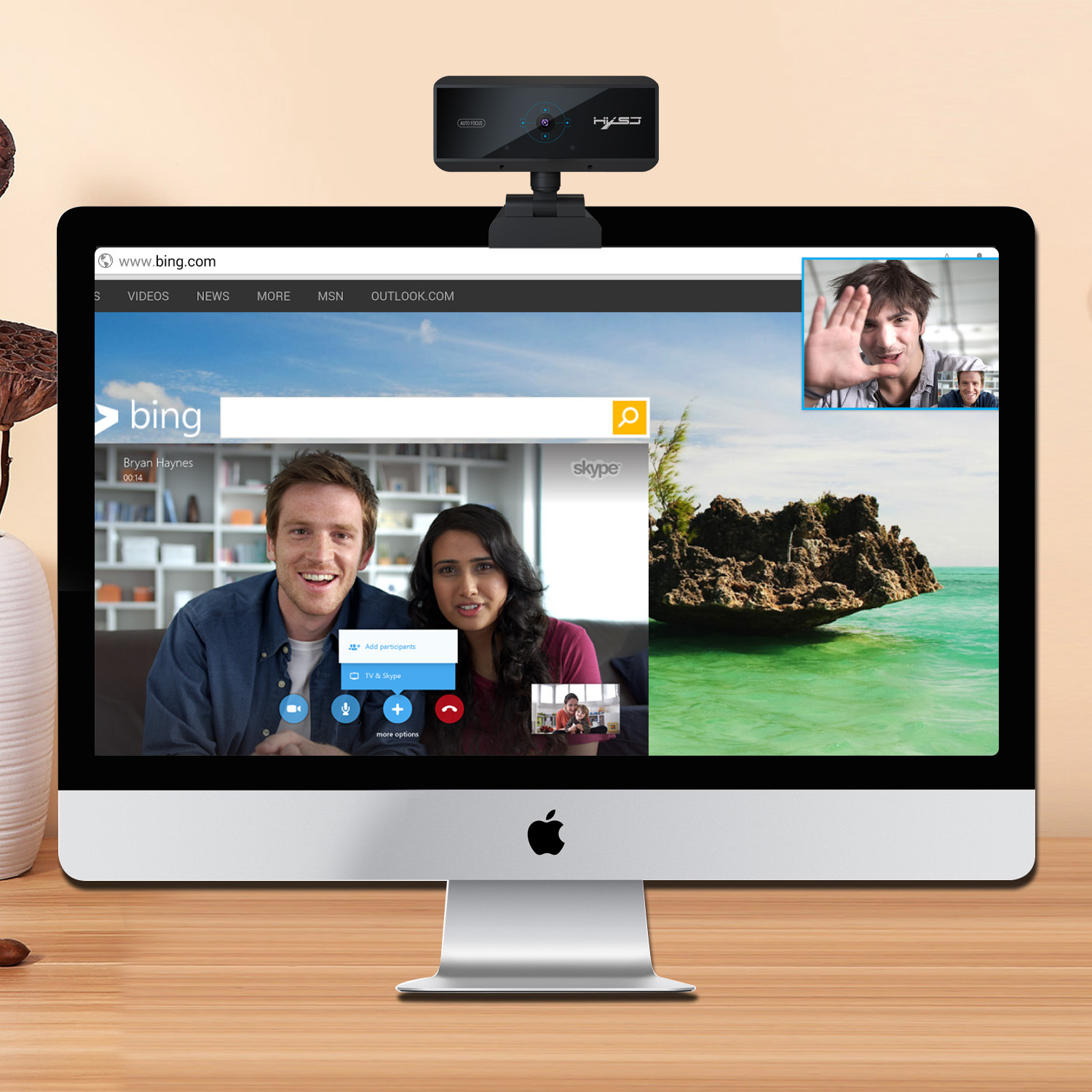
Compatible with various operating systems, including Windows, Mac, and Android TV, this webcam supports a host of video conferencing software such as Skype, Microsoft Teams, and more, allowing for easy integration into your existing setup.
Explore the potential of your virtual meetings with the HKM-660115 1080P Auto Focus Webcam—a reliable choice for clear, high-definition video calls. Upgrade your online communication experience today.
Features:
1:5 Million pixels auto focus get rid of tedious focusing .
process 1080P high-definition camera, 5 Million pixels and true color images. Autofocus speed, high sensitivity, intelligent,Support 720P, 1080P video call, smooth picture, frame rate can reach 30FPS.
2:6 layer glass coated lens
Import 6 layers of glass lens, high precision, no distortion of the picture. 8 Plus camera with six-layer glass lens for crisp, high resolution video and high color reproduction
3:HD video, clear and smooth
1080P high-definition picture quality for you to show, to convey
a beautiful piece of life.
4:Video conference, meeting video
Works with many video conferencing software applications
such as Skype For Business, Microsoft Lync 2013 and Cisco
Jabber, and Web Ex.
5:Built-in noise canceling microphone
Make your voice call clearer, fast auto focus, video more flow.
6:Up and down 180 degrees adjustable, 360 degrees free rotation around.Can be stably placed on the desktop and clamped on the display (does not damage the screen),you can adjust the angle according to need. High quality with exquisite appearance.It can stand as you like.
7: Resolution: 2592*1944,2048*1536,1920*1080,1280*720,
1024*768,800*600,640*480.
8: Support Windows 2000 / XP / win7 / win8 / win10 / Vista 32bit /
MAC / Android TV. Support a variety of video conferencing software, Net meeting and MSN, Yahoo and Skype and other great projects, enjoy the big-screen visual experience.
Product Specifications:
Compatible with USB2.0,3.0.
Automatic white balance, automatic color correction.
Item Color: Black.
DSP Chip: No driver
Video format: MJPEG, YUY2
Image Sensor: CMOS 1/2.7 Big chip
Lens: High-quality Six-layer glass lens
The Maximum Dynamic Resolution:2592*1944.
Frame Rate: 30 fps
Length: 170cm
Product weight: 134g
Product size: 10*7.8 * 2.8cm
Package size: 15.6*8.8*4.7cm
Package weight:181g
Package List:
1x 5M Auto Focus 1080P Webcam
1x English User Manual
NOTE:
Plug the USB into your computer or laptop, After the S3 USB
device is powered on, the S3's LED color is red.
2. The computer will install the driver automatically.
If your computer (laptop) has a built-in camera, you need to
change the default camera settings. Such as change the
default camera in the chatting software settings, or disable the
built-in camera in the computer settings.
3. When installation is completed, you can make a video chat
through the chat tool directly.
4: If you open the video window, the S3 LED will now change
from red to green, indicating that the camera device can be used
normally, otherwise the camera will always be red.

Ships within 48 hours · Estimated delivery Jun 27 - Jul 2
US$40
Get nowSign up to your membership to get coupons up to
15%
Get nowOpportunity to enjoy order discount up to 15% off
Top-Converting Item to Boost Your Average Order


